Key Features
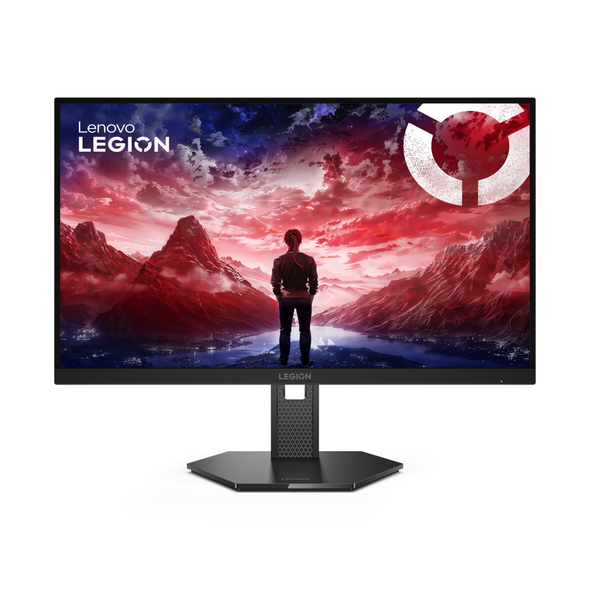
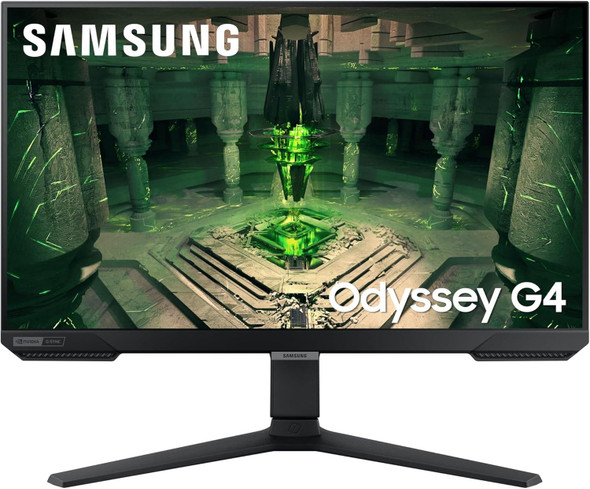
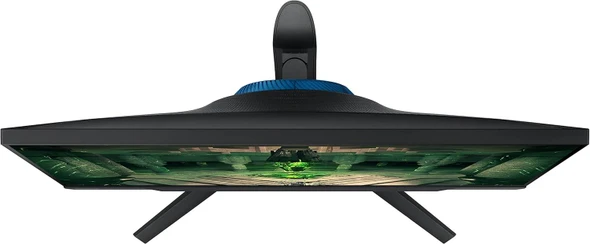
300Hz Extreme Refresh Rate: Pushes the limits of speed with a 300 Hz refresh rate and 0.5 ms response time for competitive play.
QHD Visual Precision: The 27-inch IPS display features...
Key Features
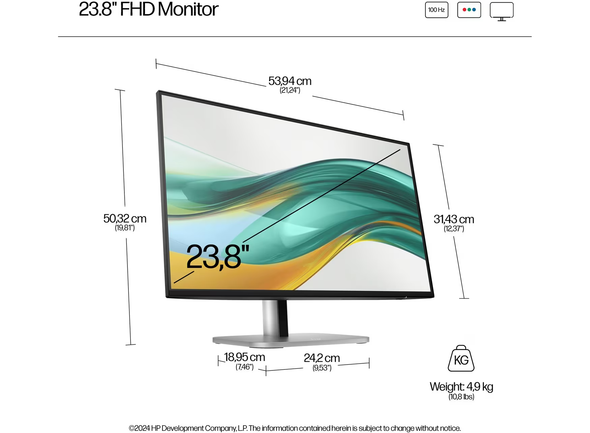
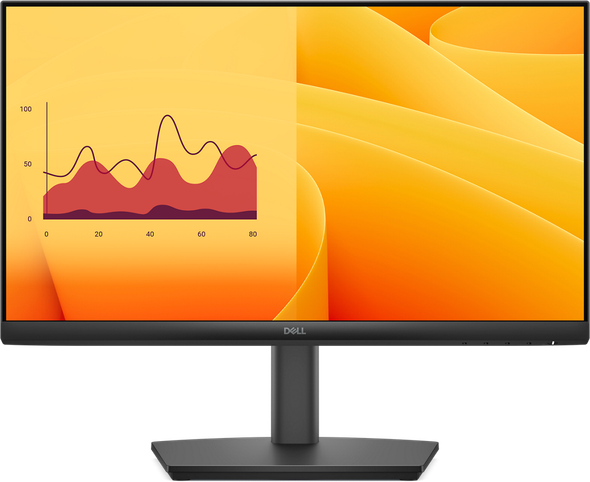
23.8" FHD IPS display with a fast 100Hz refresh rate
Features 4-way adjustability with tilt, swivel, height, and pivot
Integrated USB hub, HDMI, and DisplayPort for ample...
86.4cm (34") Wide Quad HD 3440 x 1440 OLED0.03ms, 21:9, 250cd/m², 1500000:1USB, HDMI, DisplayPortMeet unmatched immersion with an ultrawide 34" QD-OLED, delivering greater speed and a striking new...
27-inch QHD (2560 x 1440) IPS anti-glare display with 4-sided ultra-thin bezels for expansive viewingSmooth 100Hz refresh rate and up to 1ms MPRT response time with VESA MediaSync supportRich colour...
Key Features
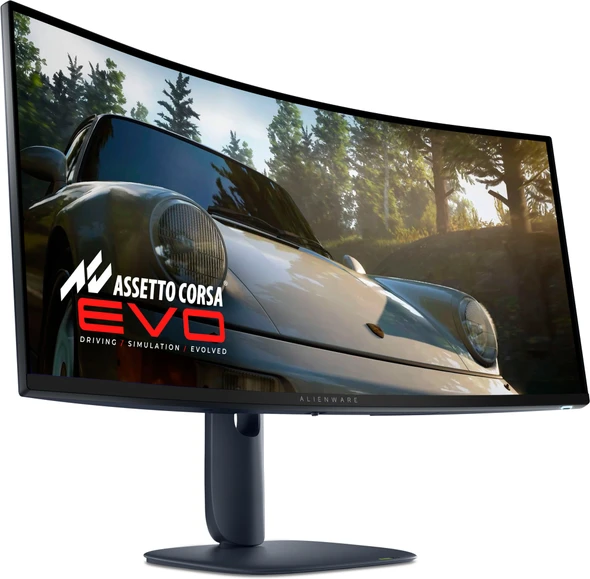
Large 44.5" curved DQHD (5120x1440) VA display with 1500R curvature.
Features a fast 170Hz overclocked refresh rate and 1ms MPRT response time.
Supports AMD FreeSync Premium Pro and...
23.8-inch Full HD (1920 x 1080) VA display offering crisp details and deep 3000:1 contrastSmooth viewing performance with up to 75Hz refresh rate and fast 5ms response timeExpansive 178° horizontal...
Ultra-WQHD in 1000R curvature. The curve closely matches the human field of sight, so you can maximize your screen real estate and reach new levels of productivity with less eye strain
1 billion...
Key Features
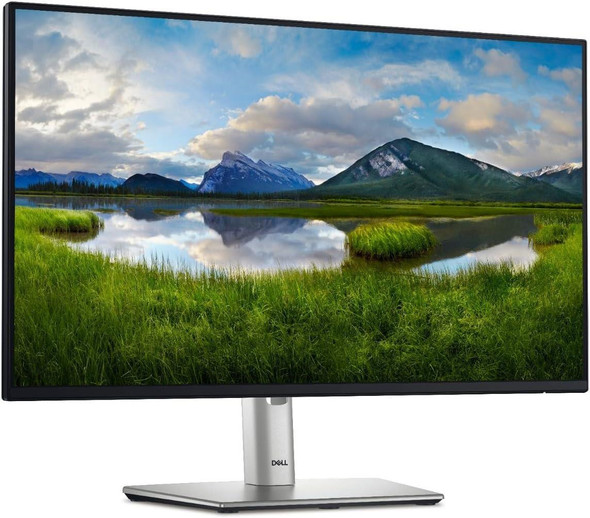
**Single Cable Docking Solution:** Declutter your desk with a single USB-C cable that provides video, data, wired Ethernet, and up to 100W of power delivery to charge your laptop...
Key Features
100Hz Refresh Rate: Smoother transitions and reduced eye strain for work and home.
Vibrant IPS Panel: Consistent colors and clear detail from any angle at Full HD.
Ergonomic HAS Stand:...
24" FHD IPS panel with 3-side NearEdgeless bezels for multitasking
USB-C hub with DisplayPort out and Ethernet (RJ45) for seamless connectivity
Integrated 2 x 1W speakers and smart cable management...
Overview:
The ThinkVision E24q-20 offers stunning visuals with its 23.8 inch screen and 2560x1440 QHD resolution. Natural Low Blue Light technology and an adjustable stand with lift
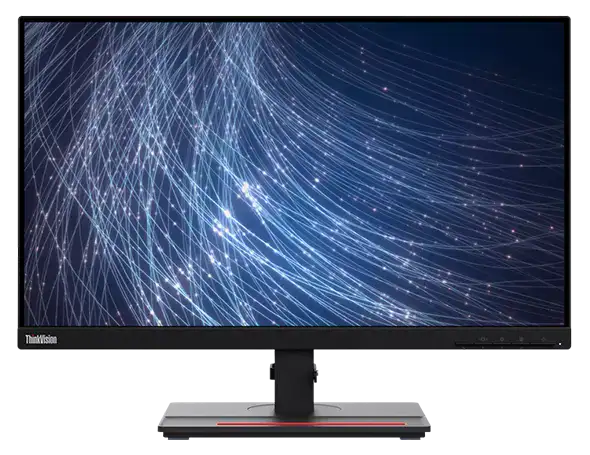
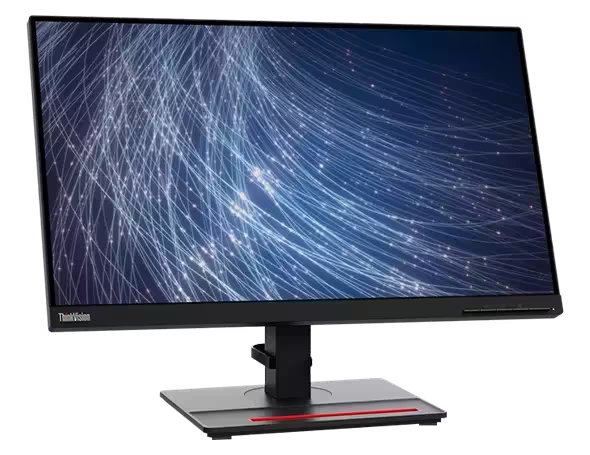
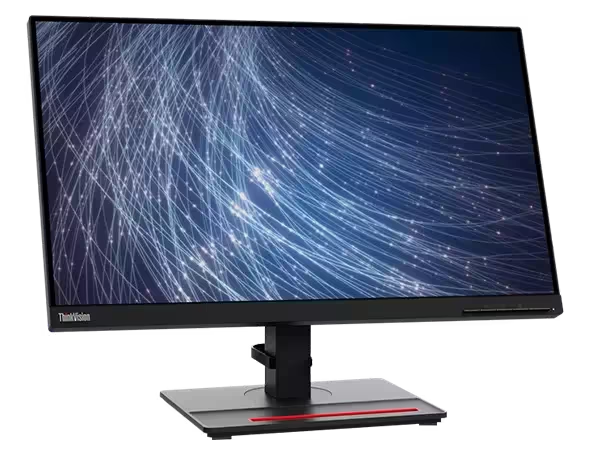
A monitor that’s more than just another screen, ThinkVision T24 m-29 renders easy connectivity and manageability to businesses; Enjoy the generous screen space of 23.8 inches on this FHD In-Plane...
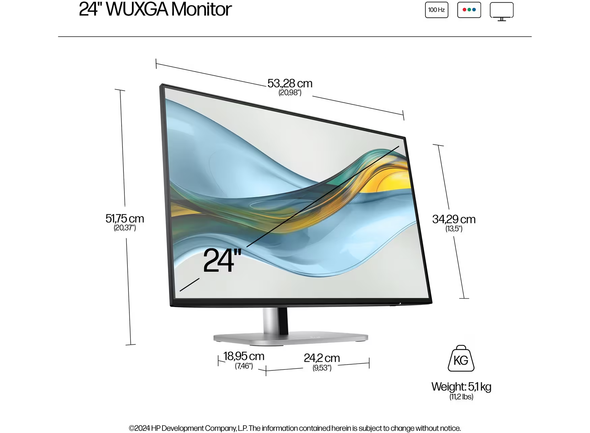
HP Series 5 Pro 524pn 24" WUXGA 100Hz IPS Monitor USB Hub
24" WUXGA (1920x1200) resolution for 11% more vertical screen space
Fast 100Hz refresh rate for smooth, clear motion
100% sRGB color gamut...
Key Features
**Smoother Visual Experience:** Enjoy noticeably more fluid motion in everyday tasks with a 100Hz refresh rate, providing a significant upgrade over standard 60Hz or 75Hz monitors for...
Key Features
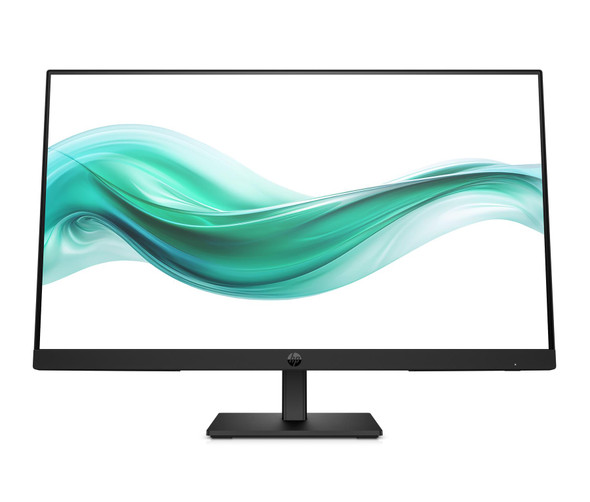
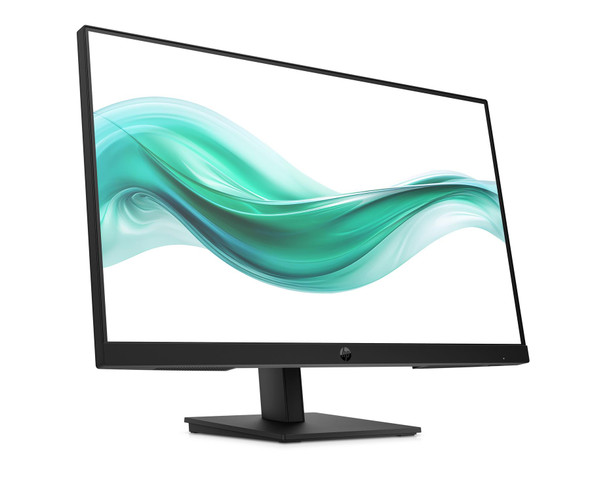
Vivid 23.8-inch Full HD IPS screen with smooth 100Hz refresh rate.
Integrated 2W downfiring stereo speakers for clear business meetings.
Built-in HP Eye Ease hardware low-blue light...
Key Features
Ultra-fast 240Hz refresh rate and 1ms (GtG) response time for smooth lag-free gaming.
FHD resolution IPS panel delivers vibrant colors and a wide 178-degree viewing angle.
G-Sync and...
24-inch Full HD (1920 x 1080) IPS panel offering vibrant colour reproduction and consistent wide viewing anglesStandless design specifically intended for monitor arms, dual-screen arrays, or wall...
Key Features
Smooth & Crisp Visuals: A 22-inch Full HD (1920x1080) VA panel with a 100Hz refresh rate provides a noticeably smoother experience for everyday office tasks.
Superior Ergonomics: The...
Support Windows 10Condition: While it shows more visible signs of previous use—including moderate scratches, scuffs, or minor nicks—it has been rigorously tested to ensure 100% functionality. This is...
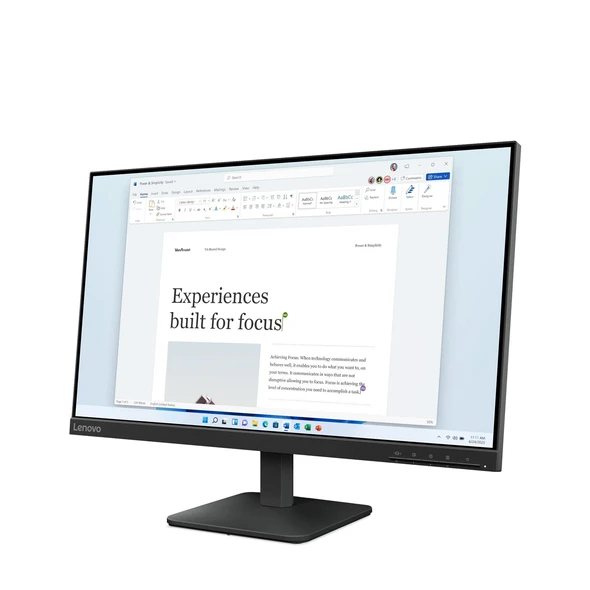
Lenovo ThinkVision S24i-30 LED 24" Monitor Full HD 1080p
The ThinkVision S24i-30 Monitor is easily the most practical choice to carry out daily office-related tasks. Its 23.8" In-Plane Switching...
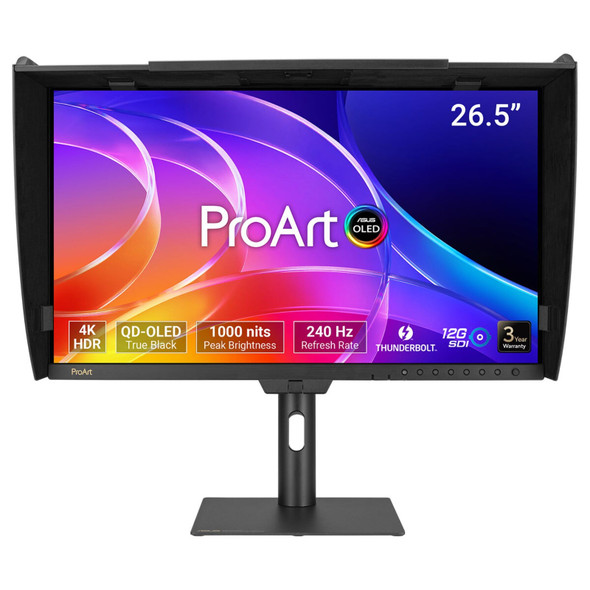
26.5-inch 4K UHD (3840 x 2160) QD-OLED flat screen with a 240Hz refresh rate and 0.1ms response timeTrue 10-bit colour depth with 99% DCI-P3 coverage and a built-in motorized flip colorimeter1000...
If you are looking for where to buy computer monitors in the UK, TAB Retail offers a wide selection of displays to suit your setup. Based in Woodville, Derbyshire, we stock desktop monitors from leading brands including Dell, HP, Samsung, Sony, Lenovo, and Acer. Whether you need a professional USB-C docking hub monitor for your office, a high-refresh-rate 4K gaming display, or a compact screen for home working, our stock of over 80 screens has options for every budget.
USB-C docking hub monitors for clean desk setups
High-performance 4K and curved gaming displays
Everyday Full HD screens for home office work
Professional signage and touch displays
We supply monitors in a mix of brand-new, refurbished, and used conditions. Brand-new monitors come with the manufacturer's warranty, while our refurbished and used displays carry our own comprehensive 12-month warranty. Every refurbished screen is fully tested and graded solely on its cosmetic appearance—ranging from Excellent to Good—which you can read about in our refurbished grades guide.
Buying from us means you get the same quality screens we sell on Amazon and eBay, but at lower prices because we don't pay marketplace fees. Every order includes a VAT invoice, making it easy for business buyers to reclaim VAT. We also offer free tracked UK delivery, with orders placed before 2pm Monday to Friday despatched the same working day, reaching almost all mainland UK addresses the next working day. For extra peace of mind, we provide 60-day returns on all items.