
Microsoft
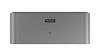
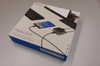
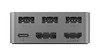
Microsoft Display Dock HD-500 USB 3.1 HDMI/DisplayPort (works with Macbook)
- SKU:
- CC1-1AC-11E
- UPC:
- 6438158722798
- MPN:
- JX9-00006
- Condition:
- New


Description
Brand new item. Please note these should work with any device that supports USB 3.1 Gen 2 with DisplayPort out, however we will not guarantee 100% compatability as they are designed for the Lumia 950 and 950 XL.
Connect your Lumia 950 or 950 XL to a Display Dock and do more with an external monitor, a keyboard, and a mouse. Office apps and Outlook scale up to create a big screen-optimised work environment that makes you more productive. It’s a PC-like experience that’s powered by your phone.1
A smooth transition
Plug your Lumia 950 or 950 XL into a Display Dock and the external monitor starts up. The keyboard and mouse are ready to go, and with a 60 FPS refresh rate, catching up on email is flicker-free and super-smooth. With 1080p HD output and a USB-C port that charges your phone while you work, it’s a quick and easy way to get the productivity advantages of using a bigger screen.2
Leave your laptop at work
Add a Display Dock to your home office and do more without using your computer. Want to write a long email or create a PowerPoint presentation? Dock your Lumia 950 or 950 XL and use a monitor, mouse, and keyboard to quickly create a PC-like work environment. With a bigger screen and the convenience of a full size keyboard, you don’t need your laptop to be productive at home.3
Keep using your phone
Enjoy a PC-like experience that’s powered by your phone. And while you’re working on an external monitor, you can still use your Lumia 950 or 950 XL like you would normally – answer phone calls and send text messages without interrupting what’s on the big screen. Maximise your productivity with the advantages of a bigger screen and keep using your phone at the same time. 3
Connectivity
Dimensions
User Interface
1 App availability and experience varies by device and market. Microsoft account and Wi-Fi or data connection required for some features; carrier fees apply. Screen simulated; appearance will vary. Office 365 subscription required for some Office features. External display with DisplayPort, HDMI connector or compatible adapter required. See www.microsoft.com/mobile/support for compatibility information. Microsoft Display Dock, accessories and some apps and content sold separately.
2 App availability and experience varies by device and market. Microsoft account and Wi-Fi or data connection required for some features; carrier fees apply. 60 FPS refresh rate in supported apps. Screen simulated; appearance will vary. Office 365 subscription required for some Office features. External display with DisplayPort, HDMI connector or compatible adapter required. See www.microsoft.com/mobile/support for compatibility information. Microsoft Display Dock, accessories and some apps and content sold separately.
3 Screen simulated; appearance will vary.
4 All trademarks are property of their respective owners.
5 To use the accessory, you need a Windows 10 Microsoft Lumia phone with Continuum and a USB-C™ connector supporting DisplayPort video output. You also need a display with a DisplayPort or HDMI connector or a compatible adapter. The accessory supports USB 2.0 compatible mice, keyboards, and mass storage devices (depending on the phone operating system).
6 Additionally up to 1200p (WUXGA, 1920 x 1200) supported
Related Products
Related Products


HP 5TW10AA USB-C Dock G5, DisplayPort, HDMI Laptop Dock
HP


Belkin USB-C 85W Dual Display Docking Station - HDMI USB 3.1 Gigabit Ethernet
Belkin

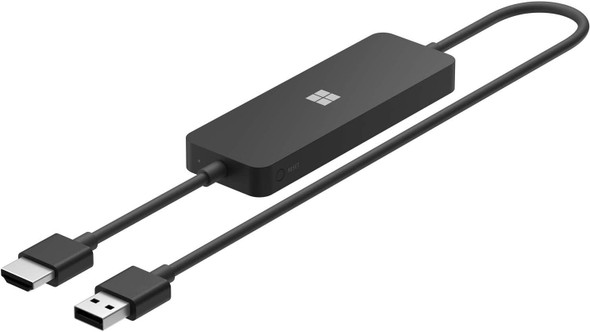
Microsoft 4K Wireless Display Adapter USB To HDMI Black
Microsoft
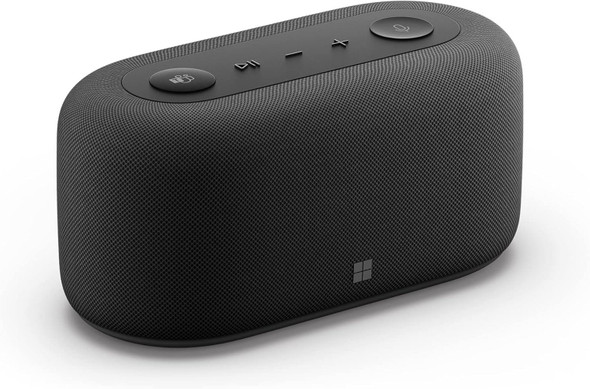

Microsoft Audio Dock for Teams, Laptop HDMI, USB-C, PD Charging
Microsoft
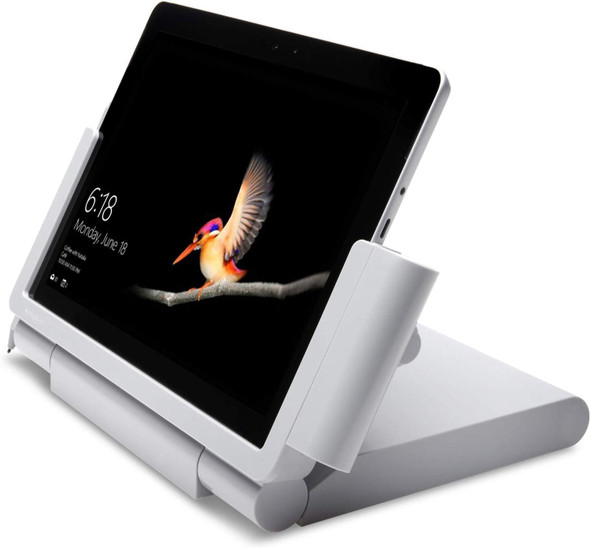
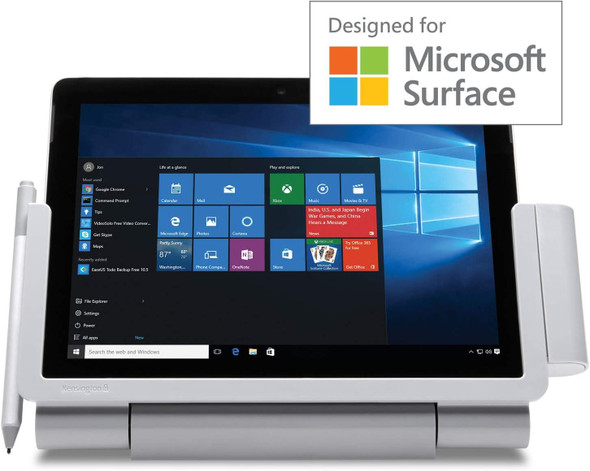
Kensington SD6000 Surface Go Docking Station HDMI DisplayPort 4 USB Ports
Kensington